
Our work
Software you can test,not slides you can't verify.
Client work sits behind client logins, so we put our own in public instead. Everything below is either running right now or clearly labelled as a simulation.
Paste something messy. Watch it get triaged.
This is the ServiceNow work and the AI layer in one place: an agent reads an inbound ticket, judges impact and urgency, routes it to a queue, and drafts the first response. Priority is computed from the impact × urgency matrix in code, the way the platform does it — the model is not allowed to guess it.
A shared printer has stopped working for a whole floor, and the team has a deadline today.
Thanks for the detail, and sorry about the timing. I've logged this as high priority and routed it to the hardware team. While they look at it, you can send urgent print jobs to the printer on another floor.
Paste a ticket or pick a sample to replace this with a result on your text. It runs in your browser, right now, and it is the same engineering we would put on your instance.
The same engineering, running.
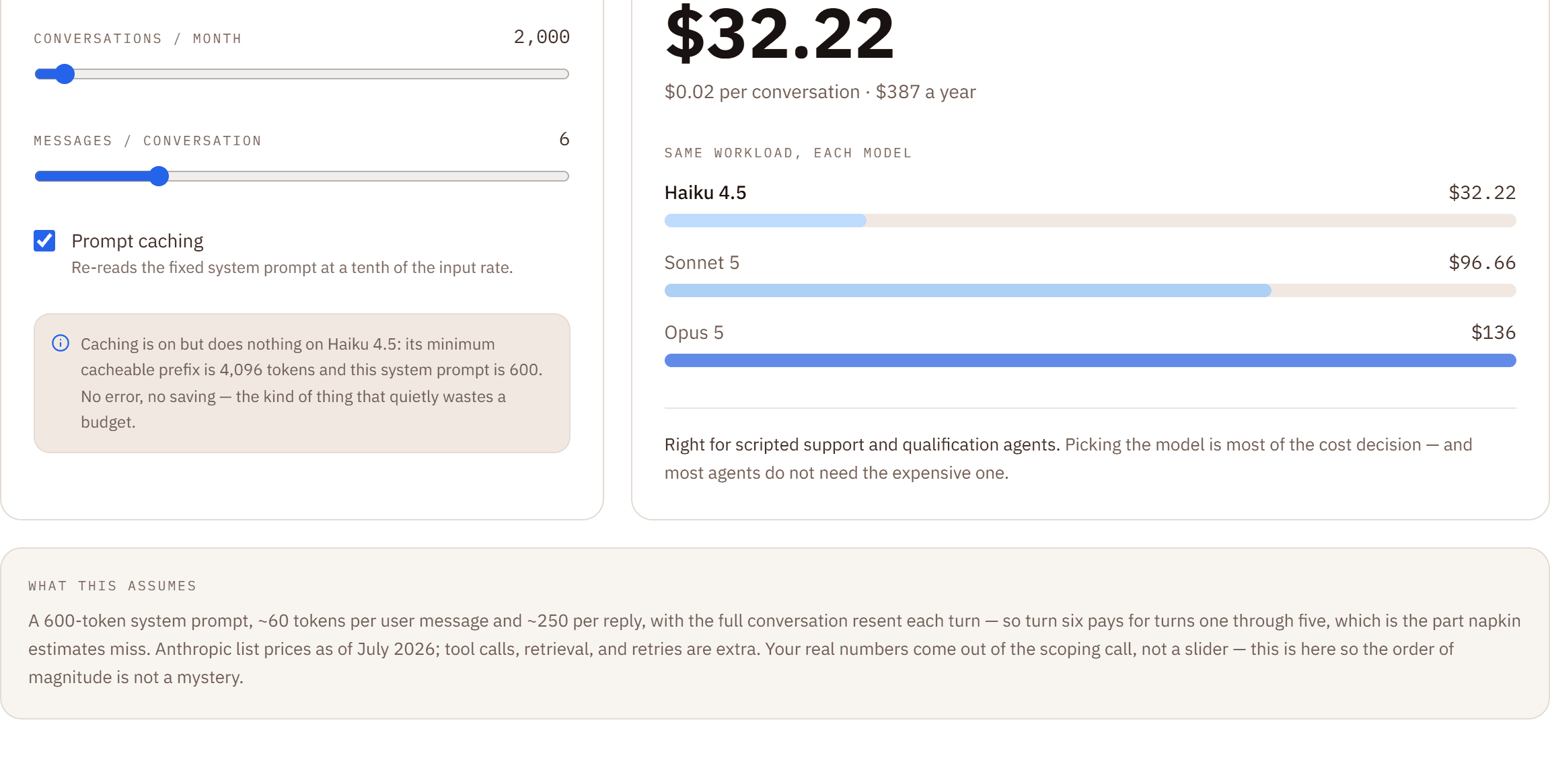
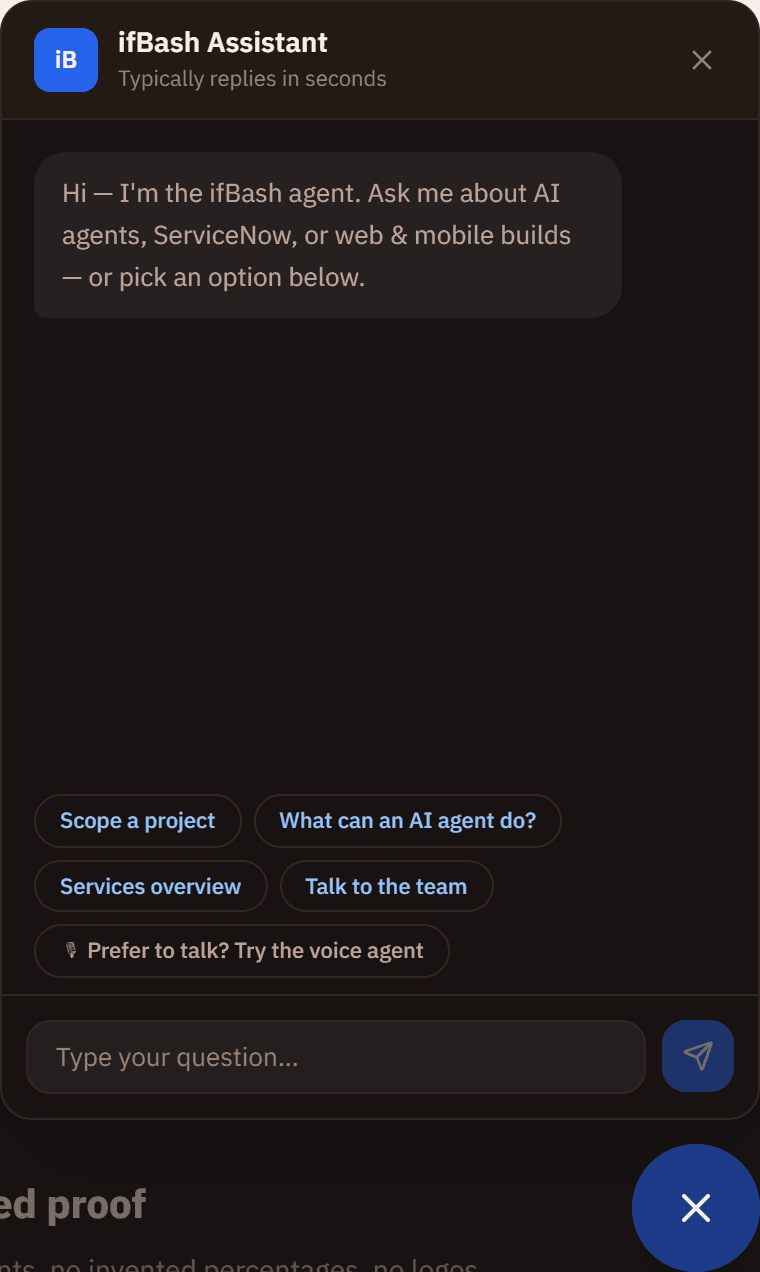
Real captures of the tools on this site — not mockups. The cost model on the left is live on the Claude engineering page; the agent on the right answers questions across every page but this one's hero.
Go and break it.
- Live — try it
The voice agent on our homepage
Tap the orb, speak, and it answers out loud — speech recognition in the browser, Claude for the reasoning, speech synthesis for the reply.
- Web Speech API for capture and playback
- Streaming responses from the Claude API
- Typed fallback when the mic is unavailable
- Live — try it
The chat agent in the corner
The widget on every page except the homepage. It answers questions about our work and can collect your details mid-conversation without a page change.
- Streamed token-by-token replies
- Guided lead capture inside the thread
- Deterministic fallback answers if the API key is absent
- Live — try it
The callback agent
Ask for a call and an agent rings you back. Where telephony is not configured it degrades honestly into a priority callback request rather than pretending to dial.
- Telephony leg via a voice provider
- Claude drives the conversation
- Graceful degradation, never a fake success
- Live — try it
This website
Design system, fluid type scale, structured data on every page, and a component kit that makes the tenth page cost a fraction of the first.
- Next.js App Router, statically rendered
- One token file drives the entire palette
- JSON-LD, sitemap, and canonical hygiene throughout
- Simulated demo
The five-tab demo reel
The animated showcase on our homepage — a service desk resolving itself, an agent chatting, a voice call, a mobile frame, a site assembling.
- Scripted animation timelines, not live systems
- Illustrates the shape of the work
- Labelled as a demo wherever it appears
- Delivery practice
ServiceNow delivery
Our largest practice by volume. Client instances sit behind their own logins, so we describe the shape of the work rather than showing screenshots we have no right to publish.
- Implementation, managed services, and custom apps
- Full product portfolio across ITSM, CSM, HR, SecOps and more
- Named references available under NDA on request
If we call something live, you can use it on this site in the next thirty seconds.
Scripted animations are labelled. They show the shape of the work, not a running system.
No invented clients, no invented percentages, no logos we have no right to show.
Why there are no case studies here.
Most consultancy websites carry a wall of client logos and percentages. A lot of those numbers cannot be traced to anything, and a lot of those logos belong to companies that never agreed to appear.
We would rather be checkable. Where a client has agreed to be a reference, we will introduce you directly under NDA. Where they have not, we describe the work without naming them and without inventing a statistic to fill the gap.
In the meantime, the fastest way to judge whether we can build your thing is to use the things we have already built — they are all one click away, and none of them are screenshots.
Want yours in this list?
Tell us what you're building. You'll get an approach, a timeline, and the names who would do the work — in writing, inside two working days.